Which Technology Is Safe and Secure for Primary Students? A Complete Guide 2026
Technology can be extremely useful for primary-school students when it is selected and used carefully. Computers, tablets, educational applications, digital whiteboards, coding platforms, and supervised internet access can make learning more interactive and help children develop important digital skills.
However, no technology is automatically 100% safe. Safety depends on the device, software, privacy settings, supervision, age appropriateness, and the way the technology is used. UNICEF emphasizes that digital education creates important opportunities for children but also introduces risks that need to be managed.
1. Tablets for Educational Learning
Tablets can be a good technology choice for primary students because they are portable and can provide access to educational materials, interactive exercises, reading resources, drawing applications, and classroom activities.
A school or parent should preferably choose a tablet that allows:
- Parental controls
- App restrictions
- Safe browsing
- Password or PIN protection
- Automatic software updates
- Screen-time controls
- Separate child accounts
- Privacy controls
A tablet should primarily be used for age-appropriate educational activities, rather than unrestricted internet browsing.
2. School Computers and Laptops
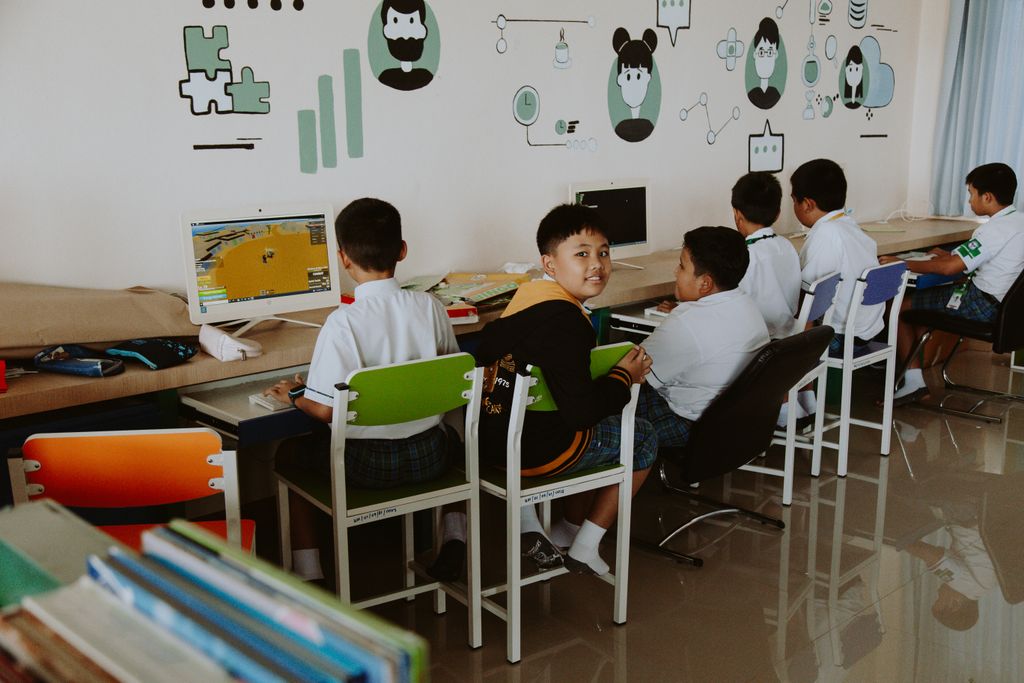
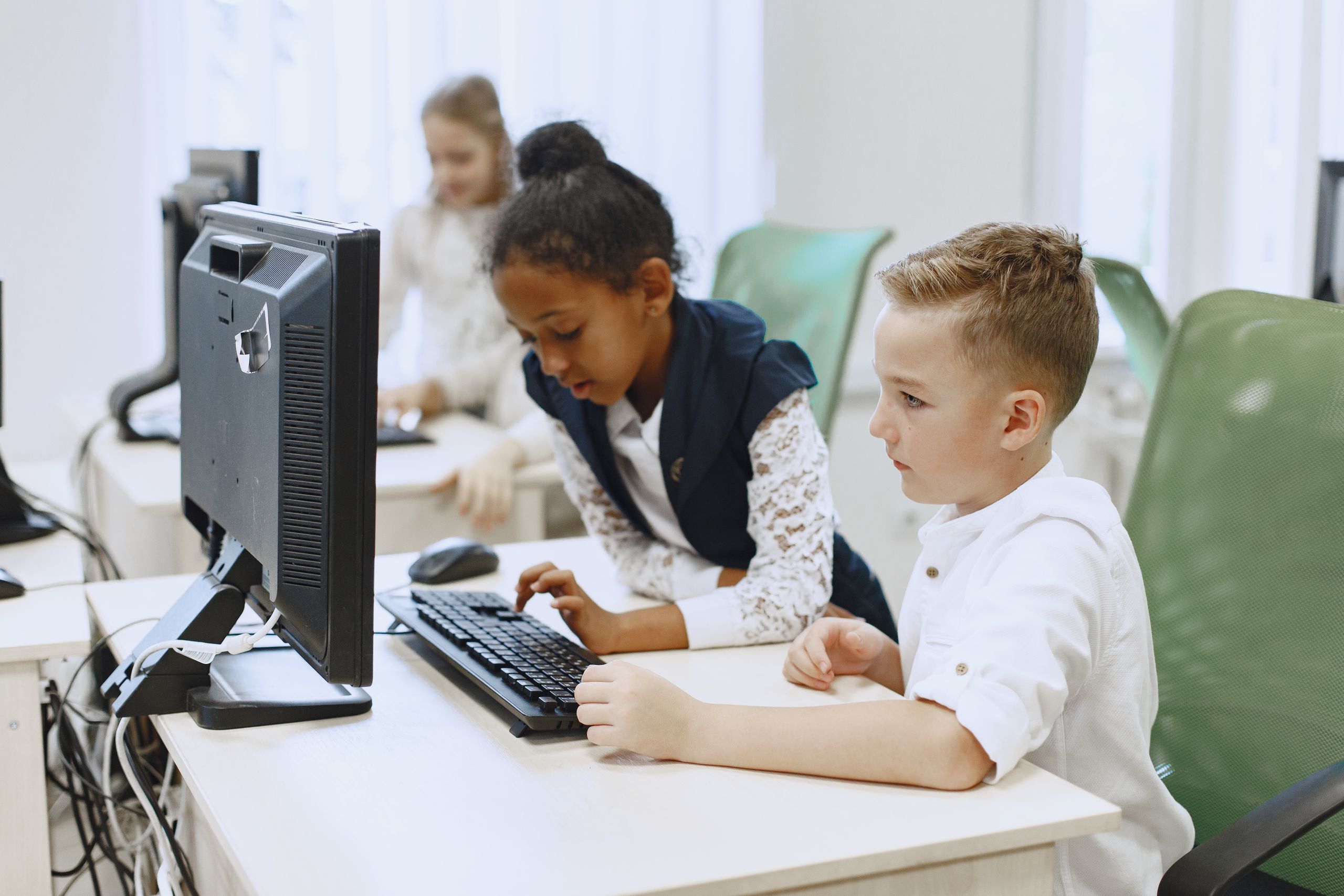
Computers and laptops can help students learn typing, research, presentations, programming, mathematics, science, and other subjects.
For primary students, a school-managed computer is generally preferable to an unrestricted personal device because teachers or administrators can configure appropriate restrictions.
Schools should consider:
- Student accounts with limited permissions
- Updated operating systems
- Antivirus/security protection
- Secure Wi-Fi
- Content filtering
- Regular backups
- Strong passwords
- Teacher supervision
Students should also learn that they should not share passwords or personal information with other people.
3. Digital Whiteboards
Interactive digital whiteboards can be a particularly useful classroom technology because the teacher controls the content displayed to the class.
They can be used for:
- Mathematics
- Science diagrams
- Geography
- Reading
- Educational videos
- Interactive quizzes
- Presentations
Because the teacher usually controls the activity, digital whiteboards can provide a more controlled technology environment than unrestricted individual browsing.
4. Educational Apps
Educational applications can make learning more engaging. For example, apps can provide interactive mathematics problems, vocabulary exercises, reading practice, drawing activities, or introductory coding lessons.
However, an educational label does not automatically mean an app is safe.
Before using an app, parents and schools should check:
- What information does the app collect?
- Does it require an account?
- Is the age rating appropriate?
- Does it contain advertising?
- Does it allow communication with strangers?
- Does it connect to external websites?
- Can parents or teachers control settings?
- Is student information stored securely?
UNICEF recommends paying attention to privacy and data protection when evaluating digital learning technologies.
5. Coding and Robotics Technology
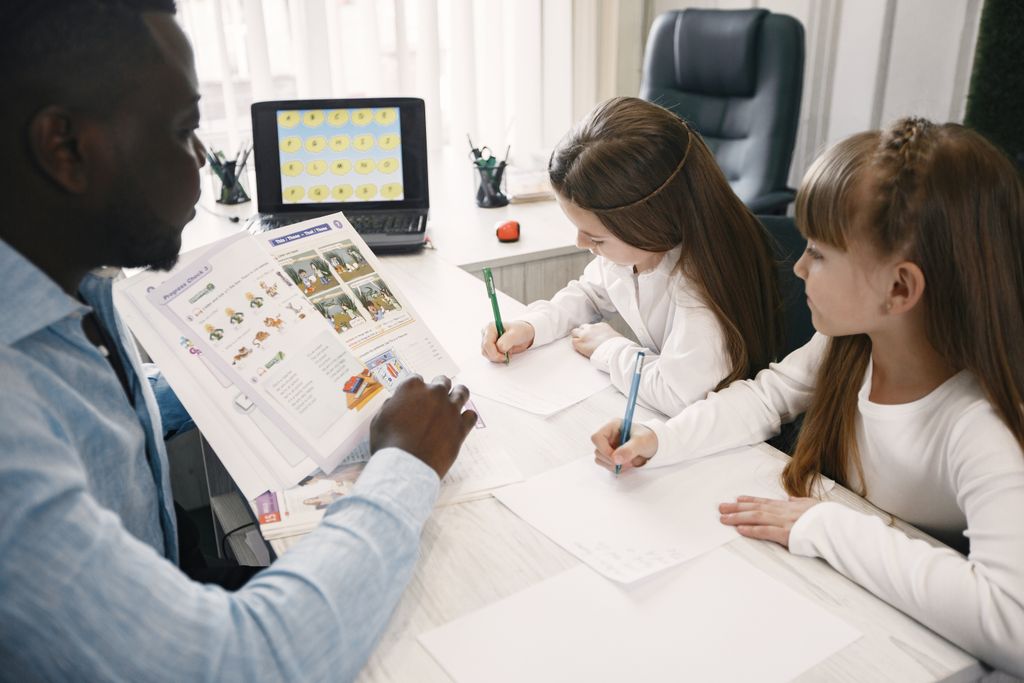
Coding can be an excellent technology activity for primary students. Age-appropriate programming and robotics activities can develop:
- Problem-solving
- Logical thinking
- Creativity
- Computational thinking
- Collaboration
- Basic programming skills
The safest approach is to use age-appropriate, teacher-supervised coding environments rather than allowing children unrestricted access to online communities.
The goal should be learning and creativity—not simply spending more time in front of a screen.
6. Safe Internet Browsing
Internet access can help students research school subjects and discover educational information. But children can also encounter inappropriate content, misleading information, scams, advertisements, and unwanted communication.
Schools and parents should therefore use:
- Safe-search settings
- Content filtering
- Child-friendly accounts
- School-managed networks
- Teacher supervision
- Appropriate privacy settings
Students should learn an important rule:
“If something online makes you uncomfortable, stop and tell a trusted adult.”
UNICEF notes that children can face risks including cyberbullying, harmful content, privacy problems and other online safety concerns.
7. Artificial Intelligence for Primary Students
AI is becoming increasingly common in education, but primary students need especially careful guidance.
AI can potentially help with:
- Explaining difficult concepts
- Generating practice questions
- Supporting teachers
- Creating educational activities
- Brainstorming ideas
However, children should not assume that everything an AI system says is correct. AI can produce inaccurate or misleading information.
Students should be taught:
AI can help you learn, but you should check important information with a teacher, textbook, or reliable source.
Current education discussions increasingly emphasize AI literacy, including understanding AI limitations, misinformation, privacy, and responsible use.
For younger children, AI tools should generally be teacher- or parent-supervised and used only when appropriate for their age and the school’s policies.
8. Digital Books and E-Readers
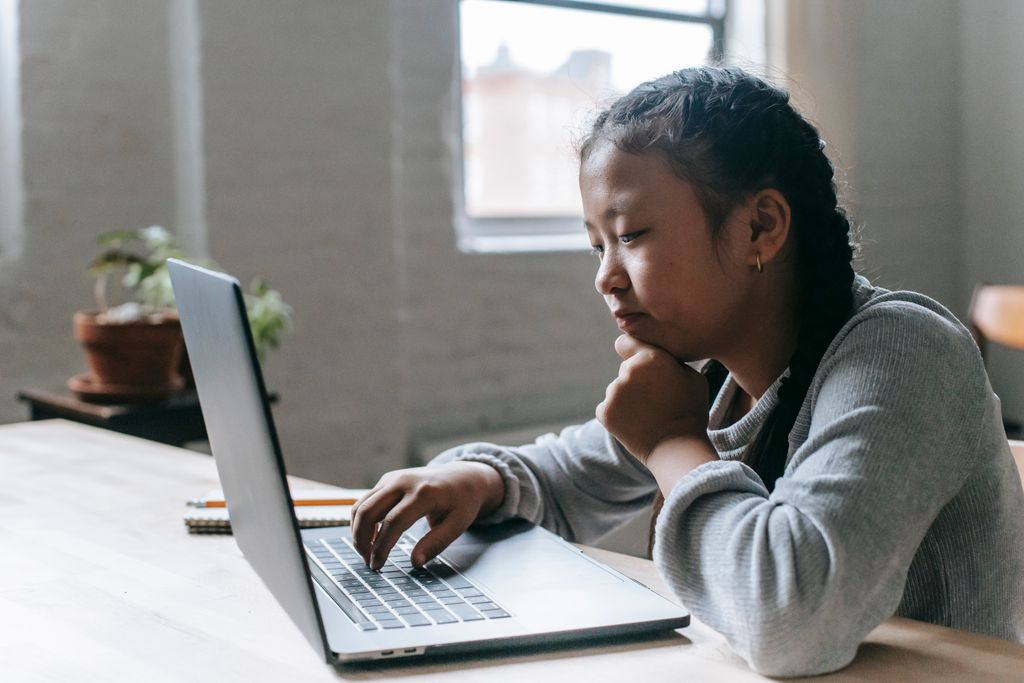
E-books and educational reading platforms can provide students with access to stories, textbooks, dictionaries, and learning materials.
They can be useful because students can:
- Read independently
- Search unfamiliar words
- Adjust text size
- Access multiple books
- Use accessibility features
Schools should still balance digital reading with traditional books and other offline learning activities.
UNICEF’s current digital education strategy stresses that digital technology should enhance rather than replace important activities such as physical activity, handwriting, play, and face-to-face interaction.
9. Cybersecurity Is Part of Safe Technology
Giving a child a device is not enough. Children should also learn basic cybersecurity.
Primary students can learn simple rules such as:
- Keep passwords private.
- Don’t share personal information unnecessarily.
- Don’t click suspicious links.
- Don’t download unknown files.
- Ask an adult before installing an application.
- Log out of shared computers.
- Tell a trusted adult about suspicious activity.
Pakistan’s National CERT has a Certified Junior Cyber Defender programme designed for young learners aged 7–14, covering topics such as privacy, passwords, scams, digital footprints and cyberbullying.
10. Protecting Personal Information
Privacy is one of the most important parts of children’s technology safety.
Students should understand that personal information can include:
- Full name
- Home address
- Phone number
- Passwords
- School details
- Photographs
- Location information
- Family information
Children should not share such information online without appropriate permission.
Schools should also carefully evaluate what information educational services collect about students. UNICEF recommends transparency about what children’s data is collected, why it is collected, and how it is handled.
11. Password Safety
Primary students should learn that passwords are private.
A good school approach includes:
- Unique passwords for important accounts
- Not sharing passwords with classmates
- Using school-managed accounts where appropriate
- Enabling additional security protections when available
- Asking a teacher or parent for help if an account seems compromised
Younger children may need adults to help manage their accounts safely.
12. Cyberbullying Protection
Technology should never become a tool for bullying.
Students should learn what cyberbullying means and what to do if they experience or witness it.
A simple approach is:
Stop → Don’t respond impulsively → Save evidence → Tell a trusted adult → Use the school’s reporting process.
Schools should include online bullying in their broader student-safety policies. UNICEF recommends addressing technology-related violence as part of school safety frameworks.
13. Screen-Time Balance
Safe technology use is not only about cybersecurity. It is also about balance.
Children need time for:
- Sleep
- Physical activity
- Outdoor play
- Family interaction
- Reading
- Creative activities
- Face-to-face friendships
- Schoolwork
Technology should support these activities rather than replace them.
There is no single screen-time number that automatically makes technology safe for every child. Parents and schools should consider the child’s age, activity, purpose, schedule, and wellbeing.
UNICEF recommends a balanced approach in which digital technology complements—not replaces—important offline experiences.
14. Teacher Supervision
Teacher supervision is one of the strongest protections for primary students.
Teachers can:
- Select appropriate websites
- Approve educational applications
- Monitor classroom activities
- Teach digital citizenship
- Explain misinformation
- Respond to cyberbullying
- Help students report problems
Technology should therefore be integrated into lessons rather than simply giving children unrestricted devices.
15. Parent Involvement
Parents also have an important role.
Parents can:
- Discuss online safety regularly
- Keep devices updated
- Use appropriate parental controls
- Review privacy settings
- Know which educational apps children use
- Encourage children to report problems
- Establish technology routines
- Model responsible digital behavior
UNICEF Pakistan has specifically published guidance for parents and caregivers on helping children use the internet safely and responsibly.
16. Safe Wi-Fi and School Networks
Schools should use secure networks rather than allowing students to connect freely to unknown networks.
Important measures include:
- Strong Wi-Fi security
- Separate student and administrative networks
- Updated networking equipment
- Access controls
- Content filtering
- Monitoring for security problems
- Regular security updates
Students should also avoid connecting school devices to unknown networks without permission.
17. Safe Cloud Storage
Cloud storage can help schools store assignments and educational materials. But student information should be handled carefully.
Schools should choose services that provide appropriate privacy and security protections and should collect only information necessary for educational purposes.
Teachers should avoid unnecessarily uploading sensitive student information to unfamiliar services.
18. Video Platforms
Educational videos can be useful for science experiments, history, mathematics explanations, language learning, and other subjects.
However, open video platforms can contain unrelated or inappropriate recommendations.
For primary students, teachers should preferably:
- Select videos in advance
- Use school-approved resources
- Avoid unrestricted browsing
- Explain advertising and sponsored content
- Teach students that online videos are not automatically reliable
19. Smart Devices and Voice Assistants
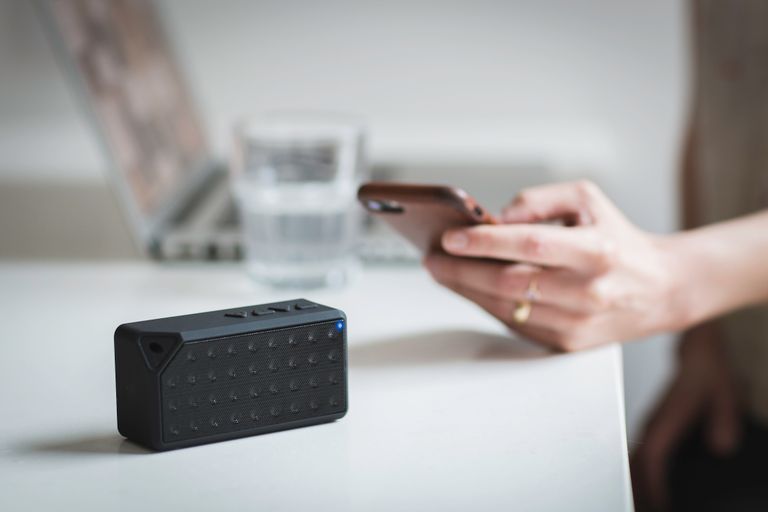
Smart speakers and voice assistants can be convenient, but schools and families should think carefully about privacy before using devices around children.
Questions to consider include:
- Is the device listening for commands?
- What information is stored?
- Can recordings be deleted?
- Who can access the account?
- Is the device necessary for the educational purpose?
For primary students, privacy should be prioritized over convenience.
20. Technology Selection Checklist
Before introducing technology to primary students, schools and parents can ask:
- Is it appropriate for the child’s age?
- Does it have useful educational value?
- Does it collect personal information?
- Is the privacy policy understandable?
- Does it allow parental or teacher controls?
- Does it contain advertisements?
- Can strangers contact students?
- Can external links be restricted?
- Does it provide appropriate security?
- Is the software regularly updated?
- Does it support accessibility?
- Does it encourage learning rather than unnecessary screen use?
This type of assessment is consistent with child-protection guidance that emphasizes privacy, safety, accessibility and educational value when selecting EdTech.
Best Technology Choices for Primary Students
| Technology | Educational Value | Safety Approach |
| School tablet | High | Parental/teacher controls |
| School computer | High | Managed student account |
| Digital whiteboard | High | Teacher-controlled |
| Educational apps | High | Check privacy and age suitability |
| Coding tools | High | Supervised use |
| Robotics | High | Classroom supervision |
| E-books | High | Approved reading resources |
| Internet research | High | Safe search + supervision |
| AI tools | Potentially high | Adult/teacher guidance |
| Smart devices | Depends | Strong privacy controls |
The Most Important Rule
The safest technology is not necessarily the newest technology. The best choice is technology that provides genuine educational value while protecting children’s privacy, security, safety, wellbeing and learning.
UNICEF’s research emphasizes that children need digital skills as well as protection. Simply preventing children from using technology is not enough; they also need to learn how to navigate the digital world safely and responsibly.
For primary students, the ideal model is therefore:
Age-appropriate technology + teacher/parent supervision + privacy protection + cybersecurity education + balanced screen use + digital citizenship.
Conclusion
Technology can be a powerful part of primary education when it is used responsibly. Tablets, computers, digital whiteboards, educational applications, coding tools, e-books and carefully supervised internet resources can help children develop valuable academic and digital skills.
But technology should never be introduced simply because it is popular or modern. Schools and parents should evaluate security, privacy, age suitability, educational value and wellbeing before adopting a digital tool.
The goal should not be to keep children away from technology. The goal should be to help them become safe, responsible, informed and confident digital learners while maintaining the offline experiences that are essential to childhood.