Best Password Security Practices for Business 2026
Password security is one of the most important parts of protecting a modern business. Companies use passwords to access email accounts, cloud platforms, websites, financial systems, customer databases, social media accounts, and internal applications. If an attacker obtains an employee’s password, they may gain access to sensitive business information and potentially compromise other systems.Password Security
1. Use Strong and Long Passwords
Businesses should encourage employees to use long passwords or passphrases. A longer password is generally harder for attackers to guess or crack.Password Security
Avoid passwords based on easily available information such as a person’s name, birthday, company name, phone number, or simple patterns such as 123456.Password Security
2. Never Reuse Passwords
Employees should never use the same password for multiple important accounts. If one website suffers a data breach and a reused password is exposed, attackers may try that same password on business email, cloud storage, or other services.Password Security
Every important business account should have a unique password.
3. Use a Password Manager
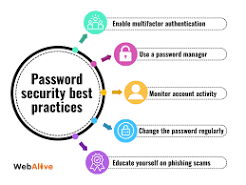
A business password manager can help employees create and store strong, unique passwords without requiring them to remember every password.
A password manager can also make it easier for organizations to manage shared credentials securely and reduce the temptation to store passwords in spreadsheets, messages, or unsecured documents.
4. Enable Multi-Factor Authentication
Multi-factor authentication, or MFA, provides an additional layer of security beyond the password. Even if an attacker obtains a password, they may still be unable to access the account without the additional authentication factor.Password Security
Businesses should prioritize MFA for administrator accounts, email accounts, cloud services, financial systems, and other sensitive platforms.
5. Protect Administrator Accounts
Administrator accounts have greater access than ordinary user accounts, making them especially valuable targets for attackers.Password Security
Businesses should use separate administrator accounts, limit administrative privileges, and provide elevated access only when necessary.Password Security
6. Educate Employees About Phishing
Strong passwords cannot fully protect a business if employees are tricked into giving those passwords to attackers.Password Security
Employees should learn how to recognize suspicious emails, fake login pages, unexpected attachments, and messages requesting passwords or verification codes.
Security awareness training should be conducted regularly rather than only once.
7. Don’t Share Passwords Through Unsafe Channels
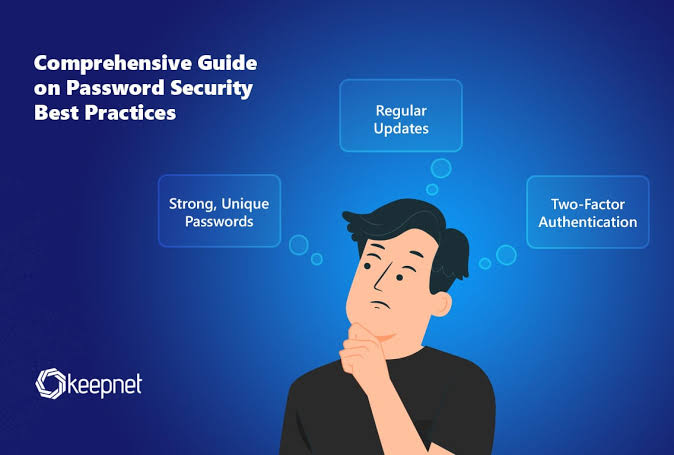
Passwords should not be casually shared through email, social media messages, or ordinary chat applications.
If employees need to share access to a business service, organizations should use appropriate password-management or account-management features.
8. Monitor for Compromised Accounts
Businesses should monitor important accounts for unusual login activity and security alerts.
If a password is suspected of being exposed, it should be replaced promptly. Organizations should also investigate whether other accounts using the same credentials could be affected.
9. Remove Former Employees’ Access
When an employee leaves a company, their accounts and access permissions should be disabled promptly.
Businesses should also review shared credentials, administrator privileges, email access, cloud services, and other systems that the employee could access.
10. Follow the Principle of Least Privilege
Employees should receive only the access they need to perform their jobs.
For example, an employee who only needs access to a specific project should not automatically receive administrator access to the entire company’s systems. Limiting privileges can reduce the potential damage if an account is compromised.
11. Secure Password Recovery
Password recovery systems can become a weak point if they are poorly protected.
Businesses should secure recovery email accounts, recovery codes, and other methods used to reset passwords. Employees should also understand that attackers may try to manipulate support staff or users into resetting accounts.
12. Create a Business Password Policy
A company should establish clear password-security rules covering password managers, MFA, account sharing, administrator accounts, phishing awareness, and compromised credentials.
The policy should be easy for employees to understand and should be reviewed periodically as security practices change.
Conclusion
Strong password security is essential for protecting business data and digital systems. Companies should focus on unique passwords, password managers, MFA, employee training, limited privileges, secure recovery methods, and regular access reviews.
Password security is not only an IT responsibility. Every employee who uses a business account plays a role in protecting the organization. By combining good password practices with modern authentication and security awareness, businesses can significantly reduce the risk of account compromise and data breaches.