Best AI Tools for Freelancers in 2026
Introduction
Freelancing has changed significantly in 2026. Independent professionals are increasingly using artificial intelligence to speed up research, writing, design, coding, client communication, project management, and other repetitive tasks. Recent 2026 reviews of freelancer-focused AI tools consistently highlight writing assistants, research tools, design platforms, coding assistants, automation, and meeting-note tools as major categories.AI Tools
The goal of AI is not to replace a freelancer’s skills. Instead, it can help freelancers spend less time on repetitive work and more time on creative thinking, client relationships, quality control, and business growth.AI Tools
1. ChatGPT — Best All-Round AI Assistant
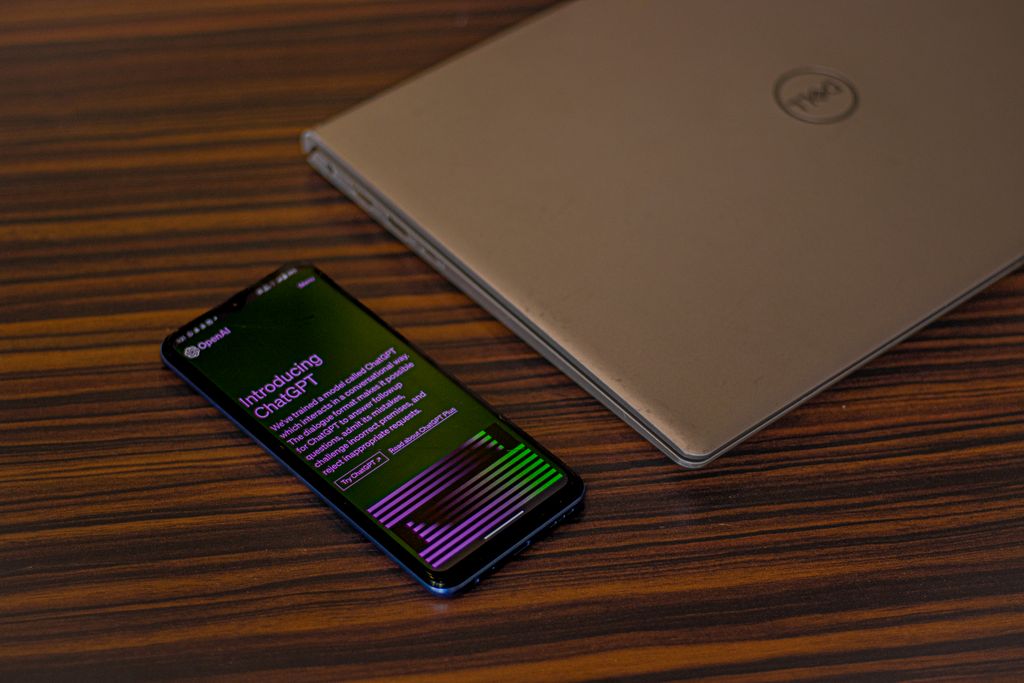
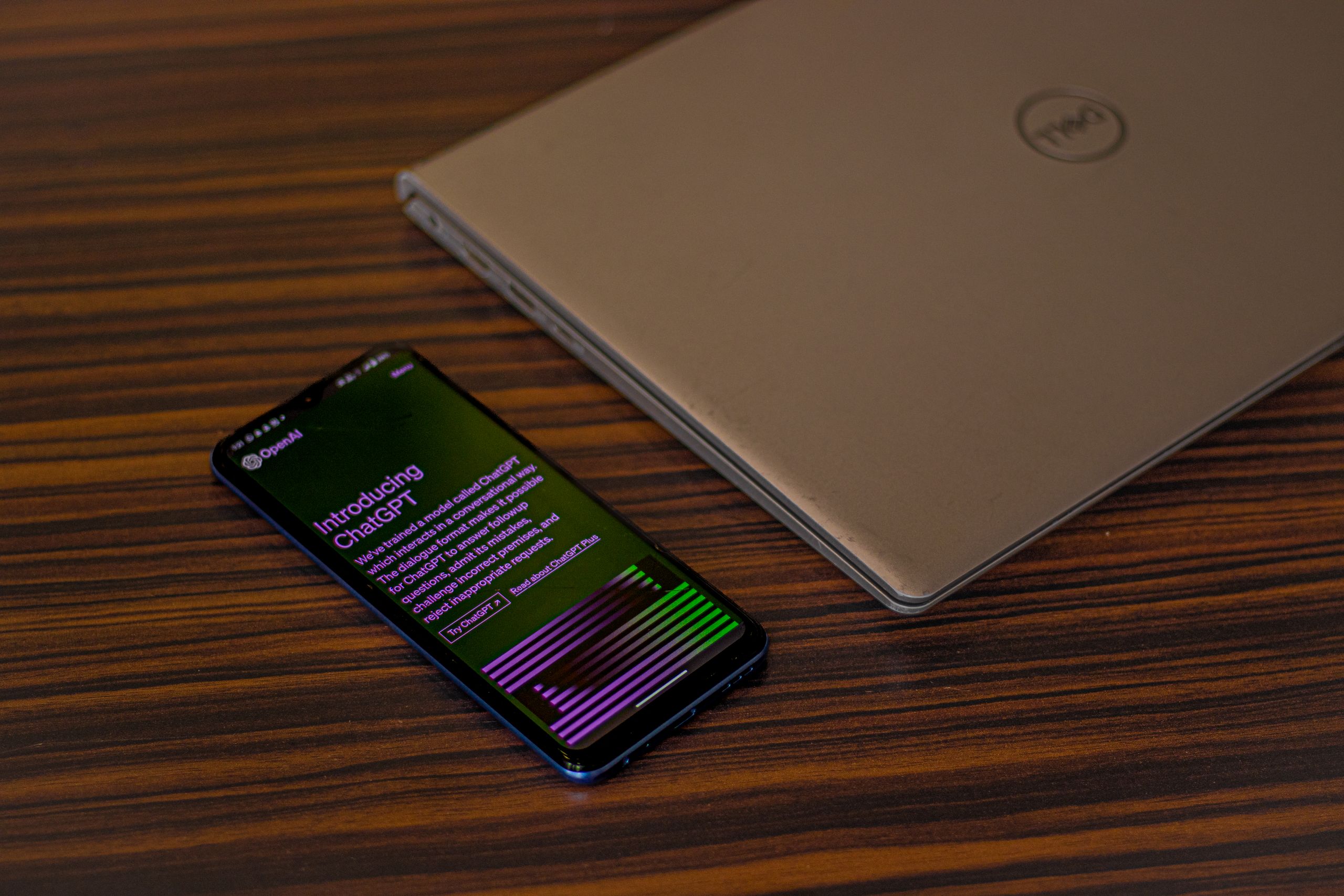
ChatGPT is one of the most versatile AI tools for freelancers. It can help with brainstorming, content outlines, research assistance, client emails, proposals, social media ideas, summaries, and coding tasks.AI Tools
A content writer can use it to develop article structures and generate ideas. A virtual assistant can use it to prepare professional emails, while a developer can use it to explain code or help troubleshoot problems.AI Tools
The important point is that freelancers should review AI-generated work rather than submitting it without checking accuracy and originality.
2. Claude — Excellent for Long-Form Work
Claude is particularly useful for freelancers working with long documents, detailed writing, analysis, and complex instructions. Current 2026 freelancer tool comparisons frequently identify Claude as a strong choice for long-form reasoning and writing.AI Tools
Freelancers can use it to organize large amounts of information, improve drafts, summarize documents, and develop detailed project plans.AI Tools
3. Canva AI — Best for Design
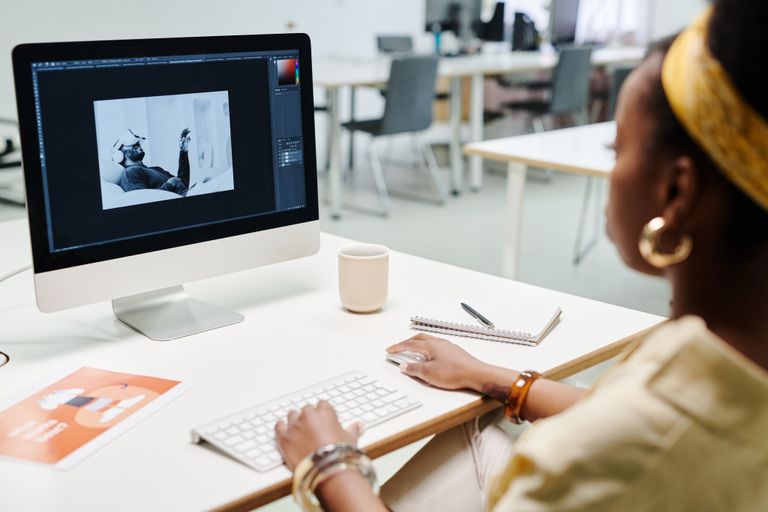
Canva’s AI features can help freelancers create social-media graphics, presentations, marketing materials, thumbnails, and other visual content.
It is useful for freelancers who are not professional graphic designers but still need to produce attractive client materials quickly. AI can help with ideas and initial designs, while the freelancer remains responsible for selecting appropriate layouts, fonts, images, and branding.AI Tools
4. Perplexity — Useful for Research
Research is an important part of many freelance projects. Perplexity can help users search for information and organize findings with cited sources.AI Tools
For example, a freelance writer researching an industry can use an AI research tool to identify relevant information before checking the original sources. This is especially important because AI systems can sometimes produce incorrect or outdated information.AI Tools
5. Grammarly — Best for Editing
Freelancers who communicate with international clients can benefit from AI-powered writing and editing tools such as Grammarly.AI Tools
These tools can help identify grammar problems, spelling mistakes, unclear sentences, and awkward wording. They are particularly useful for proposals, emails, reports, website copy, and other professional communication.AI Tools
6. GitHub Copilot — Useful for Developers
For freelance programmers, AI coding assistants can reduce the amount of time spent writing repetitive code.AI Tools
GitHub Copilot can assist with code suggestions, explanations, and development tasks. However, developers should review generated code carefully, test it, and understand what it does before using it in a client project.
7. Descript — Helpful for Video Freelancers
Video editors and content creators can use AI-powered editing tools to speed up transcription, editing, captions, and other production tasks.
Descript is one example of a tool highlighted in 2026 freelancer-focused comparisons for video workflows.
This can be useful for freelancers producing podcasts, interviews, educational videos, advertisements, and social-media content.
8. Otter.ai — Meeting Notes
Freelancers often spend time in client meetings and then need to remember everything discussed.
AI meeting-note tools can transcribe conversations and help organize important points, action items, and follow-ups. This can reduce the amount of manual note-taking required during meetings. Freelancer tool comparisons currently include Otter.ai among useful meeting tools.
Freelancers should always follow the meeting platform’s rules and obtain appropriate permission before recording or transcribing conversations.
9. Zapier — Automation

Automation can help freelancers connect different services and reduce repetitive administrative tasks.
For example, an automation workflow might connect a form submission to a project-management system or send an internal notification when a task is created.
The benefit is not simply using AI for everything. The real advantage comes from identifying repetitive processes and automating only the parts that are reliable and appropriate to automate.
10. AI Tools for Proposals and Client Communication
Winning freelance projects requires more than technical skills. Freelancers also need professional proposals, follow-up messages, project summaries, and client communication.
AI assistants can help create a first draft based on a specific client’s requirements. The freelancer should then personalize the message rather than sending generic AI-generated proposals.
A good proposal should demonstrate that the freelancer understands the client’s actual problem.
11. AI for Social Media Management
Social-media freelancers can use AI to brainstorm content calendars, captions, campaign ideas, headlines, and variations of marketing copy.
AI can help produce ideas quickly, but human judgment remains important. A freelancer should check whether content matches the client’s brand, audience, and communication style.
12. AI for Freelance Research
Research is another area where AI can save time. Freelancers can use AI to organize information, generate research questions, summarize documents, and identify areas that require further investigation.
However, AI-generated research should not automatically be treated as fact. Important statistics, quotations, prices, legal information, medical claims, and business data should be checked against reliable original sources.
13. How to Choose the Right AI Tool
Freelancers do not need dozens of subscriptions. Recent 2026 comparisons emphasize that a small, focused tool stack can be more practical than paying for many overlapping services.
Choose tools according to your actual work:
- Content writer: ChatGPT or Claude + an editing tool
- Designer: Canva AI
- Developer: GitHub Copilot
- Researcher: Perplexity + a general AI assistant
- Video freelancer: Descript or another AI video workflow
- Virtual assistant: AI assistant + automation tools
- Social-media manager: Canva AI + an AI writing assistant
14. Free vs Paid AI Tools
Beginners should not immediately purchase every AI subscription. Many popular tools provide free tiers that are sufficient for learning and testing workflows. Current 2026 comparisons list free options across general AI assistants, research, grammar, and design.
A good approach is to start with one or two tools. If a tool consistently saves time or improves the quality of paid work, then a paid plan may make sense.
15. Don’t Depend Completely on AI
AI can make freelancing faster, but it does not eliminate the need for human skills.
Clients still value creativity, communication, reliability, problem-solving, industry knowledge, and the ability to understand their goals.
AI can generate a draft, but the freelancer should provide the judgment that turns that draft into useful professional work.
16. Protect Client Information
Freelancers should be careful when putting client information into AI services.
Sensitive information such as passwords, private customer data, confidential business documents, financial information, or personal identification details should not be entered into an AI system unless the freelancer has verified that the tool and its settings are appropriate for that information.
Good data-handling practices are part of professional freelancing.
Best AI Tools for Freelancers — 80 FAQs
Based on current 2026 discussions of freelancer AI workflows, common categories include writing, research, design, coding, video, automation, productivity, and client management. (Resources Rework)
1. What are the best AI tools for freelancers?
The best tools depend on your freelance niche. Popular choices include ChatGPT, Claude, Perplexity, Canva, Grammarly, GitHub Copilot, Descript, and automation platforms.
2. Why should freelancers use AI tools?
AI can help freelancers save time, organize work, research topics, draft content, communicate with clients, and automate repetitive tasks.
3. Is AI useful for beginners in freelancing?
Yes. Beginners can use AI for learning, brainstorming, proposals, writing assistance, research, and improving their workflow.
4. What is the best AI tool for freelance writers?
ChatGPT and Claude are strong general-purpose options for brainstorming, outlining, drafting, and editing.
5. What is the best AI tool for freelance designers?
Canva is a useful starting point because it combines design tools with AI-powered features and templates.
6. What is the best AI tool for freelance developers?
GitHub Copilot and other AI coding assistants can help developers write, explain, debug, and improve code.
7. What is the best AI tool for freelance SEO professionals?
AI research and writing tools can help with keyword research, content planning, outlines, optimization, and competitor analysis.
8. Can AI help freelancers write proposals?
Yes. AI can help create proposal structures and personalize drafts based on a client’s requirements.
9. Can AI write client emails?
AI can create professional email drafts, follow-ups, explanations, and responses that freelancers can review and personalize.
10. Is ChatGPT good for freelancers?
Yes. It can assist with writing, research, brainstorming, coding, planning, summarization, and client communication.
11. Is Claude good for freelance work?
Claude can be particularly useful for long documents, detailed briefs, writing, editing, and reasoning-heavy tasks. (Enterprise DNA)
12. Is Perplexity useful for freelancers?
Yes. It can be useful for research because it provides web-based answers with sources that can be checked.
13. Can freelancers use AI for content writing?
Yes. AI can help with ideas, outlines, drafts, editing, summaries, and content planning, but freelancers should review the final work.
14. Can AI replace freelance writers?
AI can automate some writing tasks, but human judgment, research, originality, editing, and client understanding remain important.
15. Can AI help freelance graphic designers?
Yes. AI can assist with concepts, layouts, image ideas, presentations, social media graphics, and other creative workflows.
16. What AI tool is best for social media freelancers?
Tools such as Canva and general AI assistants can help create content ideas, captions, calendars, and visual concepts.
17. Can AI help with social media captions?
Yes. AI can generate caption ideas for different platforms, audiences, and tones.
18. Can AI create social media content calendars?
Yes. You can provide your niche, audience, posting frequency, and goals and ask AI to create a structured calendar.
19. Can freelancers use AI for blog writing?
Yes. AI can help with topic research, outlines, drafts, FAQs, titles, and editing.
20. Should freelancers publish AI content without editing?
No. Freelancers should fact-check, edit, improve, and personalize AI-generated drafts before delivering or publishing them.
21. Can AI help with SEO content?
Yes. AI can assist with topic clustering, outlines, search-intent analysis, content briefs, and optimization.
22. Can AI help freelancers research clients?
Yes. Research tools can help organize publicly available information about industries, companies, competitors, and target audiences.
23. Can AI summarize long documents?
Yes. Many modern AI assistants can summarize documents and extract key points, provided the document is supported and appropriate to use.
24. Can AI help with proofreading?
Yes. Tools such as Grammarly can identify grammar, spelling, clarity, and tone issues.
25. Is Grammarly useful for freelancers?
Yes. It can be useful for polishing proposals, emails, articles, reports, and other client-facing writing. (Freelancer Pulse)
26. Can AI improve freelance proposals?
Yes. AI can help make proposals clearer, more relevant, concise, and tailored to a client’s brief.
27. How can AI help freelancers save time?
It can reduce time spent on repetitive tasks such as drafting, summarizing, brainstorming, formatting, research, and administrative work.
28. Can AI help with project management?
Yes. AI can assist with task lists, project summaries, deadlines, meeting notes, and workflow organization.
29. Can AI create meeting notes?
Yes. Meeting transcription tools can turn conversations into transcripts, summaries, and action items.
30. What AI tools can transcribe meetings?
Tools such as Otter and similar meeting assistants can transcribe and summarize conversations. (Resources Rework)
31. Can AI help freelancers manage tasks?
Yes. AI-powered productivity tools can help prioritize tasks and organize project information.
32. Can AI automate repetitive freelance tasks?
Yes. Automation platforms can connect different apps and trigger actions based on predefined workflows.
33. What is AI automation for freelancers?
AI automation means using AI and connected software to reduce manual work, such as sorting information, drafting messages, or moving data between applications.
34. Can freelancers automate client follow-ups?
Yes. With appropriate automation tools, freelancers can schedule reminders and create follow-up workflows.
35. Can AI help with invoices?
Some freelance-management and accounting platforms provide tools for creating invoices and managing billing workflows. (Resources Rework)
36. Can AI help freelancers track expenses?
Depending on the software, AI-assisted finance tools can help organize transactions, expenses, and financial information.
37. Can AI help freelancers create contracts?
AI can help freelancers understand or draft general contract language, but important contracts should be reviewed by a qualified professional when necessary.
38. Can AI help freelancers set prices?
AI can help organize project requirements and compare pricing considerations, but freelancers should use their own judgment and market research when setting rates.
39. Can AI help freelancers estimate project time?
Yes. AI can help break a project into tasks and create an initial time estimate.
40. Can AI help freelancers create portfolios?
Yes. AI can help organize portfolio descriptions, case studies, project summaries, and presentation ideas.
41. Can Canva AI help freelancers?
Yes. Canva’s AI features can support presentations, social graphics, visual concepts, and other design tasks. (Resources Rework)
42. Can AI create images for freelance projects?
Some AI image-generation tools can create visual concepts and assets, subject to their licensing and usage terms.
43. Can AI help video editors?
Yes. AI video tools can assist with transcription, captions, editing workflows, audio cleanup, and other production tasks.
44. Is Descript useful for freelance video editors?
Descript offers text-based editing for video and audio, making it useful for certain podcast and video workflows. (Resources Rework)
45. Can AI create subtitles?
Yes. AI transcription systems can automatically generate subtitles and captions that should be reviewed for accuracy.
46. Can AI help YouTube freelancers?
Yes. AI can assist with video ideas, scripts, titles, descriptions, research, captions, and content planning.
47. Can AI help freelance copywriters?
Yes. It can assist with brainstorming, headlines, drafts, variations, editing, and audience research.
48. Can AI help email marketers?
Yes. AI can generate campaign ideas, subject-line variations, drafts, segmentation ideas, and content concepts.
49. Can AI help virtual assistants?
Yes. AI can assist with scheduling, summarization, document organization, email drafting, and repetitive administrative work.
50. Can AI help data freelancers?
Yes. AI can help explain datasets, generate formulas, write code, summarize findings, and suggest analysis approaches.
51. Can AI help Excel freelancers?
AI can assist with formulas, data organization, spreadsheet explanations, and troubleshooting.
52. Can AI help web developers?
Yes. AI coding assistants can help generate code, explain errors, create documentation, and speed up repetitive development tasks.
53. What is GitHub Copilot used for?
GitHub Copilot is an AI coding assistant that can help developers write and understand code.
54. Can AI debug programming code?
Yes. AI can identify possible errors and suggest fixes, although developers should test all suggested changes.
55. Can AI help WordPress freelancers?
Yes. AI can help with content planning, code explanations, troubleshooting ideas, SEO content, and documentation.
56. Can AI help freelancers learn new skills?
Yes. AI can act as a study assistant by explaining concepts, creating practice questions, and providing examples.
57. Are free AI tools enough for freelancers?
For beginners, free plans can often cover basic writing, research, brainstorming, and productivity needs. Paid plans may provide additional capabilities.
58. Should freelancers pay for multiple AI tools?
Usually, it is better to start with one or two tools and add another only when it provides clear value.
59. What is the best free AI tool for freelancers?
There is no single best option for everyone. General-purpose assistants such as ChatGPT or Claude can be useful starting points.
60. How much should freelancers spend on AI tools?
The budget should depend on how much a tool improves your workflow and whether it produces enough value to justify its cost.
61. Can AI help freelancers get more clients?
AI can help improve proposals, portfolios, research, and communication, but getting clients still depends on skills, trust, quality, and effective marketing.
62. Can AI help Fiverr freelancers?
Yes. AI can assist with gig descriptions, FAQs, customer communication, research, content creation, and workflow organization.
63. Can AI help Upwork freelancers?
Yes. AI can help freelancers understand project briefs, prepare customized proposals, organize tasks, and communicate professionally.
64. Should freelancers tell clients they use AI?
It depends on the client’s requirements and contract. Freelancers should follow client policies and be transparent when disclosure is required.
65. Is AI-generated work always allowed for clients?
Not necessarily. Client agreements, platform rules, copyright considerations, and the AI tool’s terms can affect whether and how AI-generated work may be used.
66. How can freelancers use AI responsibly?
Use AI as an assistant, verify important information, protect confidential data, respect copyrights, and follow client and platform requirements.
67. Should freelancers upload confidential client information to AI?
They should be careful. Confidential or sensitive information should only be entered when the relevant tool’s privacy and data-handling terms allow it and the client agreement permits it.
68. Can AI make mistakes?
Yes. AI can produce incorrect facts, calculations, citations, code, or interpretations, so important outputs should be checked.
69. How can freelancers fact-check AI output?
Compare important claims against reliable sources, official documentation, primary sources, or other trustworthy references.
70. Can AI improve freelance productivity?
Yes. Current freelancer-focused guides commonly identify productivity, communication, deliverables, research, and administration as major AI use cases. (All in One AI App | Zemith.com)
71. What is the best AI stack for a freelance writer?
A practical stack could include a general AI assistant, a proofreading tool, a research tool, and an SEO tool when SEO work is required.
72. What is the best AI stack for a freelance designer?
A designer might combine an AI-enabled design platform, an image-generation tool, a writing assistant, and a project-management system.
73. What is the best AI stack for a freelance developer?
A developer might use an AI coding assistant, a general AI assistant for documentation and reasoning, and automation tools for repetitive workflows.
74. What is the best AI stack for a freelance marketer?
A marketing freelancer can combine AI for research, copywriting, design, analytics, content planning, and automation.
75. Can AI help freelancers work with international clients?
Yes. AI can help with translation, communication, research, writing, meeting summaries, and adapting content for different audiences.
76. Can AI help non-native English-speaking freelancers?
Yes. AI writing and language tools can help improve grammar, clarity, tone, and professional communication.
77. How should beginners choose an AI tool?
Start with your most repetitive task. Choose a tool that solves that problem well, learn it thoroughly, and measure whether it actually saves time.
78. Do freelancers need to learn prompt engineering?
Advanced prompt engineering is not always necessary. However, learning how to give clear instructions, context, examples, and desired output formats can improve AI results.
79. What is the biggest mistake freelancers make with AI?
One common mistake is trusting AI output without reviewing it. AI should support professional judgment rather than replace it.
80. What are the best AI tools for freelancers in 2026?
The strongest choice depends on the freelancer’s niche. Current 2026 comparisons frequently highlight general AI assistants for writing and research, Perplexity for research, Canva for design, GitHub Copilot for coding, Descript for video, and automation tools for repetitive workflows. (Resources Rework)
Conclusion
AI tools are becoming an important part of freelance work in 2026. ChatGPT and Claude can support writing and research, Canva can assist with visual content, Perplexity can help with research, Grammarly can improve communication, GitHub Copilot can support developers, and tools such as Descript, Otter.ai, and Zapier can help with video, meetings, and automation.
The best strategy is not to use every AI tool available. Instead, freelancers should select a small number of tools that solve real problems in their workflow. The strongest freelancers will combine AI speed with human creativity, accuracy, communication, and professional judgment.